Technology can be exciting, but it can also feel a little confusing for beginners. Luckily, there are many simple tools that can help you start using technology easily.
These tools are easy to learn, helpful for everyday tasks, and perfect for beginners. Whether you want to organize your work, create content, or communicate online, these tech tools can make your life easier.
In this article, we will explore some of the best tech tools that beginners can use right away.
1. Productivity Tools
Productivity tools help you stay organized and complete tasks efficiently. For beginners, these tools are very helpful because they simplify your work.
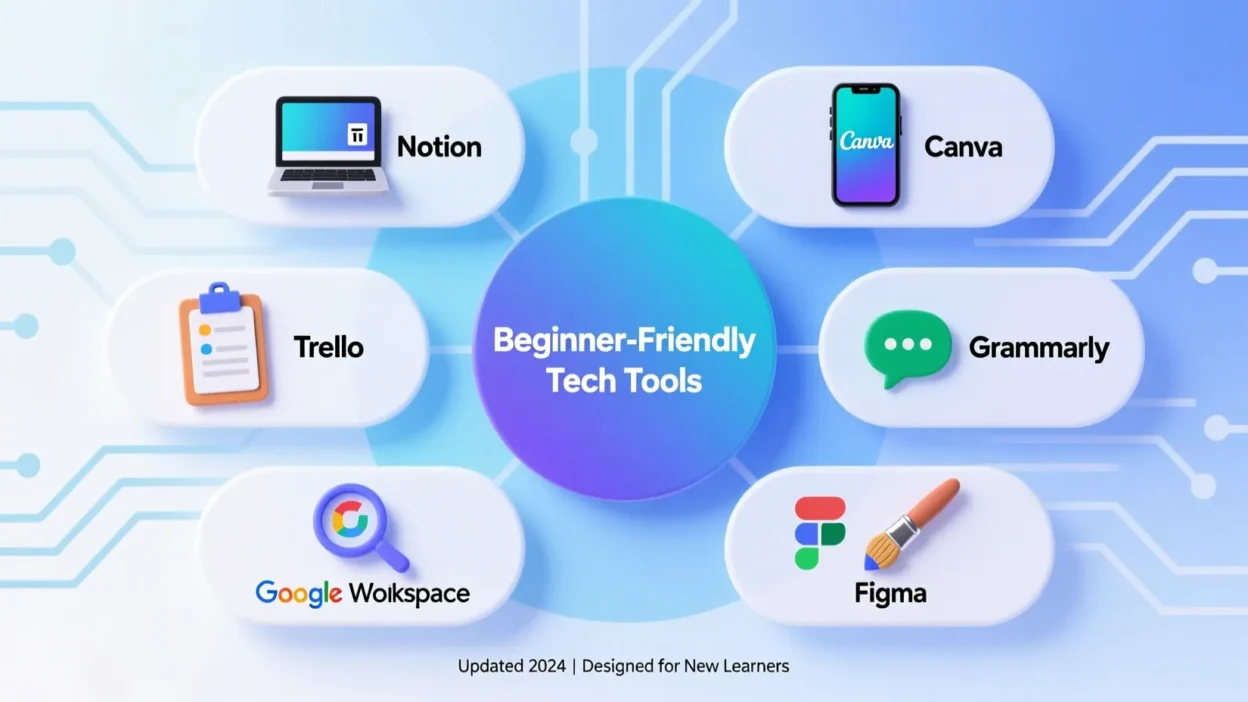
Trello: Trello is a simple tool for organizing tasks. You can create boards for different projects and add cards for each task. It helps you see your work clearly.
Google Keep: Google Keep is a note-taking app. You can write notes, make lists, and set reminders. It is easy to use and works on your phone and computer.
Evernote: Evernote is another note-taking tool. It lets you save ideas, links, and documents in one place. It is beginner-friendly and very useful for organizing information.
Using these tools can help beginners manage tasks without feeling overwhelmed.
2. Communication Tools
Communication tools are essential for talking to friends, family, or colleagues. For beginners, simple tools with easy interfaces are best.
Zoom: Zoom is a video calling app. You can join meetings or call friends and family. It is simple to use, and you only need a link to join a meeting.
Skype: Skype is another tool for video calls and messaging. It is very easy to use and works on phones and computers.
Slack: Slack is a communication tool for work. It helps you send messages and share files with your team. Beginners can quickly learn to use it for chatting and collaborating.
These tools make communication easier and more effective for beginners.
3. Design and Creativity Tools
If you want to create images, videos, or graphics, these beginner-friendly tools are very helpful.
Canva: Canva is a simple design tool. You can create posters, social media posts, and presentations. It has many templates, so beginners don’t need to start from scratch.
Pixlr: Pixlr is a free photo editor. You can edit photos easily without needing advanced skills. It is perfect for beginners who want to improve images.
Lumen5: Lumen5 helps you make videos quickly. You can create simple videos using text and images. It is a beginner-friendly tool for making social media content.
Using these tools, beginners can explore creativity without needing complex skills.
4. Learning and Educational Tools
Learning new things online is easier with the right tech tools. Beginners can use these tools to study, practice, and improve skills.
Duolingo: Duolingo is a fun tool for learning languages. You can practice daily using simple lessons. It is easy and very beginner-friendly.
Khan Academy: Khan Academy offers free lessons on many subjects. You can watch videos and practice exercises at your own pace.
Coursera: Coursera has online courses on many topics. Beginners can take free courses to learn new skills or improve knowledge.
These tools help beginners learn effectively in a simple and structured way.
5. File Storage and Organization Tools
Keeping files safe and organized is important. Beginners can use easy-to-understand tools to store and access files online.
Google Drive: Google Drive is a cloud storage tool. You can save documents, photos, and videos online. It is simple to use and accessible from any device.
Dropbox: Dropbox is another cloud storage tool. You can store files and share them with others easily.
Microsoft OneDrive: OneDrive is a beginner-friendly tool for saving files online. It integrates with Microsoft apps like Word and Excel.
These tools help beginners organize and protect important files without stress.
Conclusion
Starting with technology can feel challenging, but the right tools make it simple. Productivity, communication, design, learning, and file storage tools are all beginner-friendly.
Tools like Trello, Zoom, Canva, Duolingo, and Google Drive help beginners organize tasks, communicate easily, create content, learn new skills, and store files safely.
By using these tools, beginners can enjoy technology and improve skills every day. Start small, explore one tool at a time, and gradually you will become comfortable using tech in daily life.